
- Home>
- Printers>
- Printers by category>
- A4 printers>
- bizhub 4700i
bizhub 4700i
- A4 black & white printer;
- Paper formats A6-A4;
- Including mobile printing;
- Toner included.
A4BlackAutomatic 2-sides printing
Product is not sold
Do you need advice?

Online store consultant
Printer rental services. Why is it worth it?
 1. Complete service package
Free printer delivery, installation, technical maintenance, and support throughout the rental period.
 2. Prints and toner refills included
When renting a printer, you have the option to choose a rental package tailored to your needs, which includes a specified number of prints. Additionally, we provide toner refills throughout the rental period at no extra cost.
 3. Saved time, money, and natural resources
By renting a printer, you avoid additional concerns and expenses related to its maintenance and technical service – we take care of everything. You only pay a monthly fee, which includes a specified number of prints. You also have the option to choose a sustainable printing alternative by renting a high-quality, pre-owned printer.
Take a look at our printers that you can rent with RelaxRate
For demanding users

bizhub C251i
A3ColorCopyScanAutomatic 2-sides printingAutomatic 2-sides scanning
- A3 color multifunctional printer;
- Paper formats A6-A4/ A3;
- From 300 color prints included;
- From 700 black-and-white prints included;
Rent 75,00 EUR / month
See detail
In stock
Small office

bizhub C3321i
A4ColorCopyScanAutomatic 2-sides printingAutomatic 2-sides scanning
- A4 color printer;
- Paper formats A6-A4;
- From 250 color prints included;
- From 500 black-and-white prints included;
Rent 43,00 EUR / month
See detail
On request
bizhub 4700i
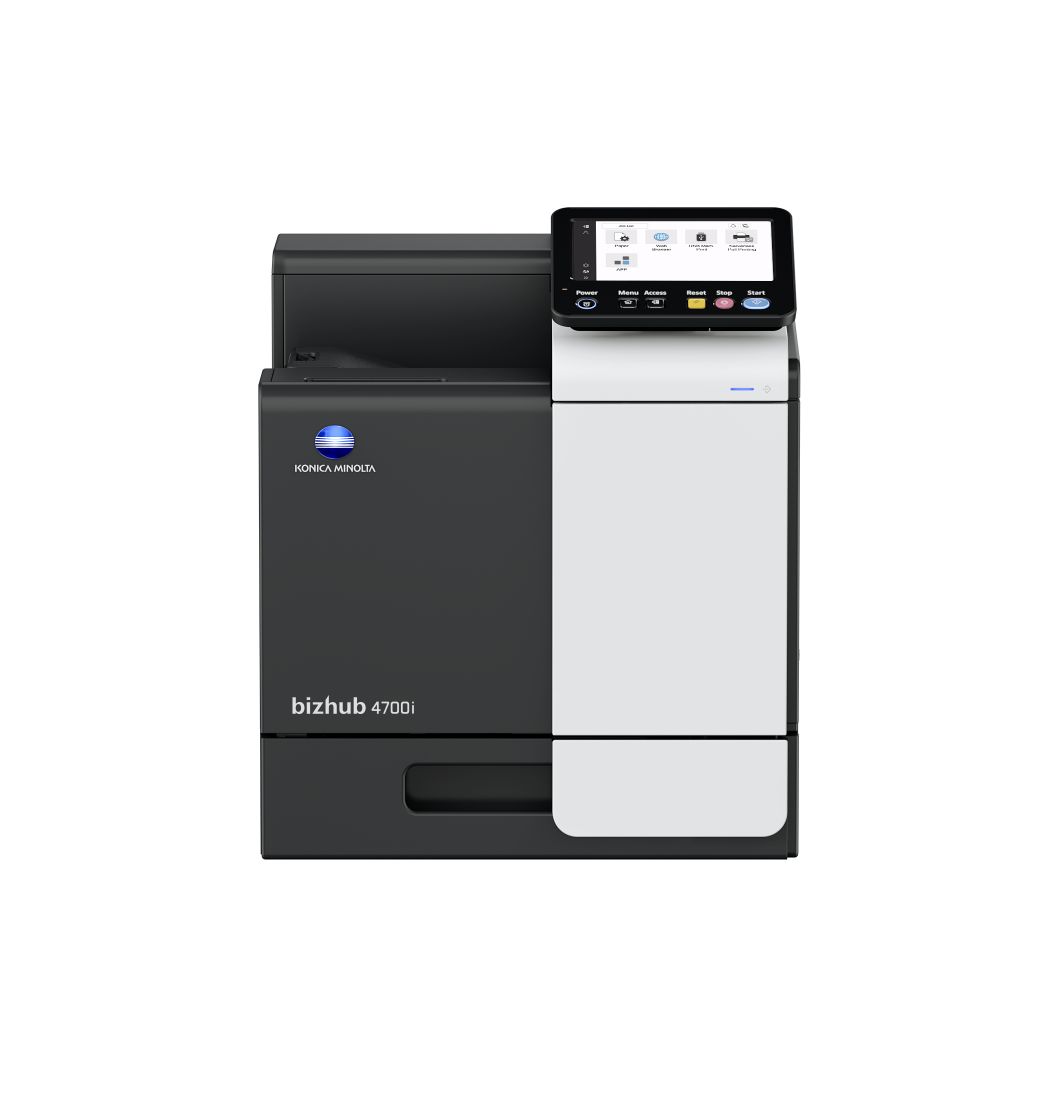
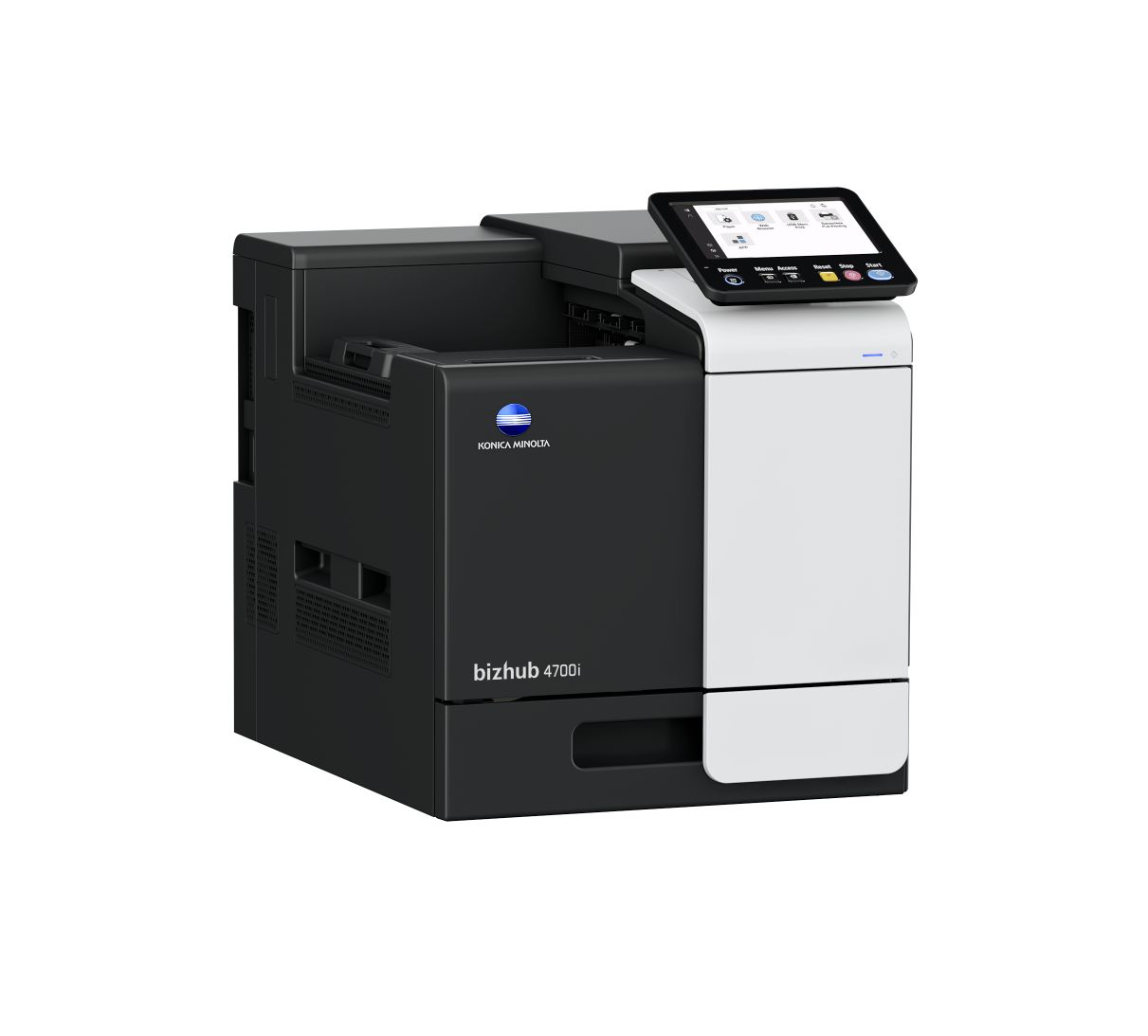
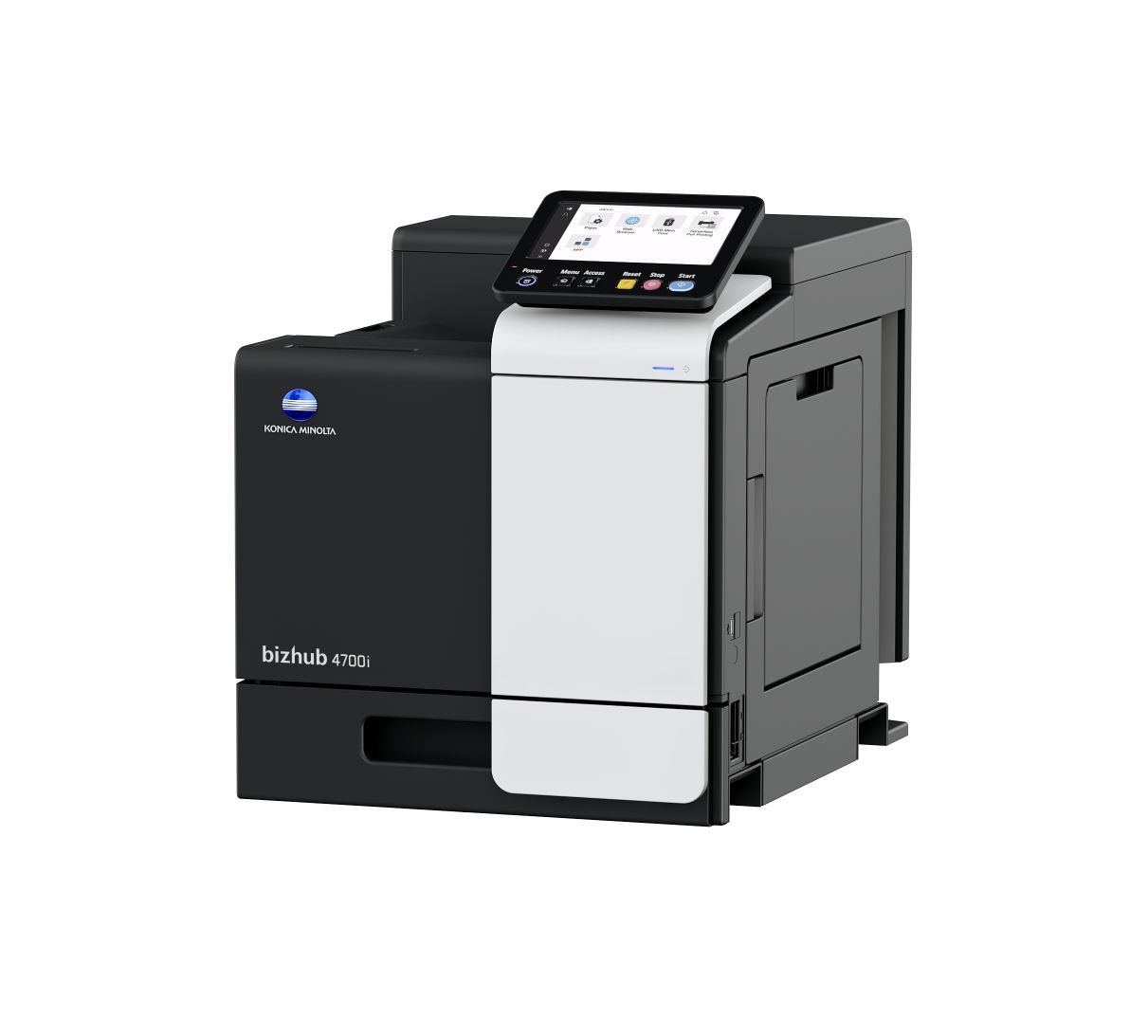
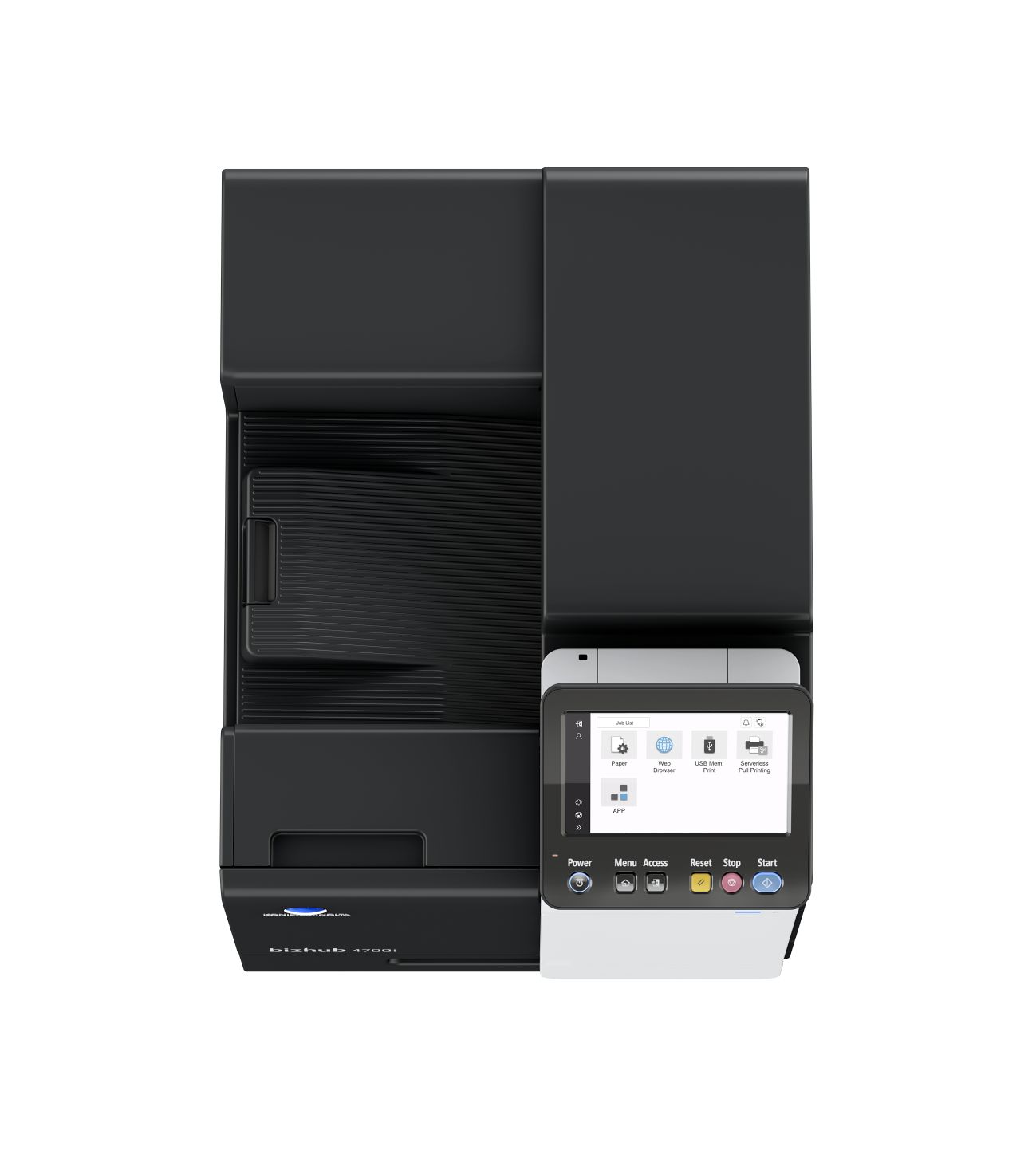
Large touch screenThe adjustable large user panel is designed with intuitive UI which can be easily customised.
High-capacity toners
The bizhub 4700i is equipped with high-capacity toners. This means you need to replace your toner less often, saving you time and money.
The one-time media fee for the bizhub 4700i is 0.70% of the purchase amount.
The one-time media fee for the bizhub 4700i is 0.70% of the purchase amount.

Technical parameters
Paper size
A4
Output color
Black
Copy
No
Print
Yes
Scan
No
Fax
No
Automatic 2-sides printing
Yes
Automatic 2-sides scanning
No
Touch screen
Yes
WiFi
No
USB
Yes
LAN
Yes
Bluetooth
No
Workgroup size (users)
5
Print speed A4 (ppm)
47
Paper input capacity (pages)
600
AirPrint (iOS)
Yes
Mopria (Android)
Yes
Konica Minolta Print Service (Android)
Yes
Konica Minolta Mobile Print (iOS/Android)
Yes
WiFi Direct
No
Weight (kg)
29
Dimensions (W x D x H) in mm
420 x 528 x 473
New
Yes
Compatible supplies
See all products
What do our customers say about our printer?
Good, pleasant machines, easy to operate and always work.
Tim, The Netherlands
Great machines with good features
Laura, The Netherlands
Very reliable machines.
Dennis, The Netherlands
Let’s talk about your printing. Feel free to contact us!
Not sure which print volume to select for your RelaxRate?
These might be valuable considerations for you
If you have an existing contract:
- Have a look at your current offer/ contract to see which volume is included there (per month)
- Have a look at your latest invoice: on it might be written how much you print per month or for what volume you’re charged. Take into account any invoices for overage charges to calculate your monthly volume needs
- If there are no volumes in these documents, look at the amount you pay each month and add any amounts for overages and compare this with our packages. Take into account whether service is included or not
- Check your current printer if it shows you the number of printed pages
If you do not have an existing contract:
- Check your current printer if it shows you the number of printed pages
- We recommend to calculate how much pages you print per week and estimate from that prints per month: think of how often you have to refill paper in your printer (average paper pack has 500 sheets)
Still unsure? Please contact us. We are happy to support you.
For Products with RelaxRate (Rent+Service)
Konica Minolta Courier
This service is a necessary condition when renting a Konica Minolta printing device with RelaxRate.
By providing this service, we will ensure professional delivery of the purchased equipment directly to the installation site. The service includes moving the machine to its destination and unpacking it and expert compilation.
Included services
After purchasing the device, the Konica Minolta Customer Center will agree with you on a suitable delivery date. The contractual carrier will deliver the device to you on the agreed date.
The service includes:
- transportation to the place of installation
- moving device within the building - if the building has a freight elevator
- professional unpacking and assembly of device
For an additional fee, we will also provide:
- removal and ecological disposal of packaging material
- bringing the machine to the floors via the stairs - if there is no goods lift available
Service limitations
The service is available only for selected types of device, defined in the price list of Konica Minolta services. The price of the service depends on the specific conditions and premises of the customer (floor, elevator, cargo ramp, floor surfaces, etc.) The service does not include the device installation itself.For Products direct purchased
Konica Minolta Courier
This service is a necessary condition when purchasing a Konica Minolta printing device.By purchasing this service, we will ensure professional delivery of the purchased equipment to the kerbside.
Included services
After purchasing the device, our professional Logistic Provider will deliver the device/ product to you.The service includes:
- Transportation to the kerbside
- Delivery will happen 3-4 days after order placement
Service limitations
The service is available only for selected types of device, defined in the price list of Konica Minolta services. The service does not include the device installation itself.Konica Minolta Installation
For your seamless start, Konica Minolta grants a professional installation service.We will provide you with unpacking, mechanical assembly, initialization and setting of the device. We will connect your device to one PC/server, introduce to the user with the use of basic device functions (printing, scanning, copying, faxing, replacement of consumables).
Included services
After purchasing the device, we will agree a suitable date for delivering and installing the device with you.A basic installation for multi-functional devices takes 45 minutes and 30 minutes for printers.
The installation includes:
- Travel expenses of the Konica Minolta service technician to the place of installation
- Unpacking and mechanical assembly of the device
- Initialization, setting and verification of device functionalities
- Entering network settings (IP address, gateway)
- Driver installation on one PC/server (OS Windows) with the assistance of the person responsible for the device installation
- Connecting your device to the “Customer Support Remote Care” for automatic monitoring & toner delivery
- Installation of user IDs for fax messages (optional)
- Scanner settings (SMTP server)
- Doing a test copy, print, scan and fax message
- Introduction training - use of basic device functions
- Disposal of packing material
We will give you detailed information, what is required from your side to make you satisfied before the installation date.